✨ Coming to the App Store

Let’s create
stories together

One story, everyone on their own phone. Capy narrates and asks what happens next — and whoever holds the pen decides. Nobody reads ahead, nobody waits alone.

🌟 Capy’s Plotopia

How a story happens 📖

Quick to start. No rush to finish. 🌿

🌱

1. Set the scene

Pick a genre or three, a language, and how grown-up the writing should be. Add characters if you have them — or leave it all blank and see what Capy invents.

🔢

2. Share the code

Everyone joins with four characters, on a phone or in a browser. No accounts, no sign-ups, no email.

✏️

3. Take turns

Capy writes a passage and asks a question. The host hands the pen to whoever answers it — and the story turns on what they choose.

👀

A peek inside 👀

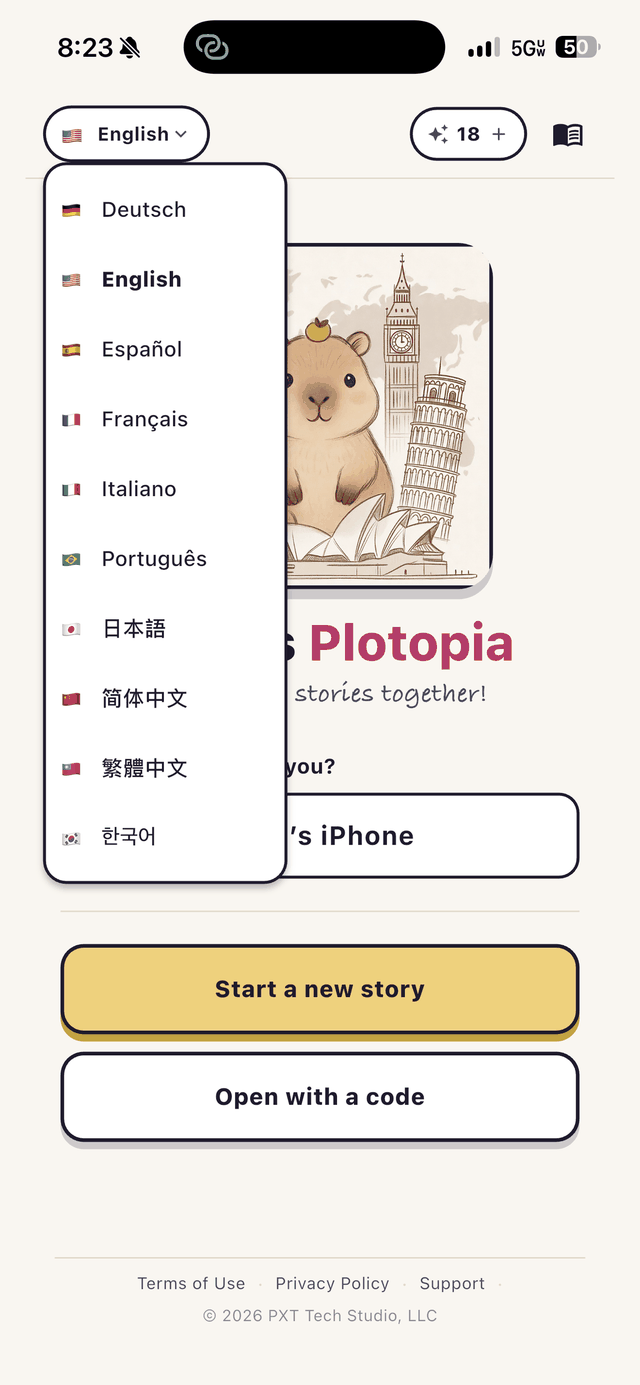
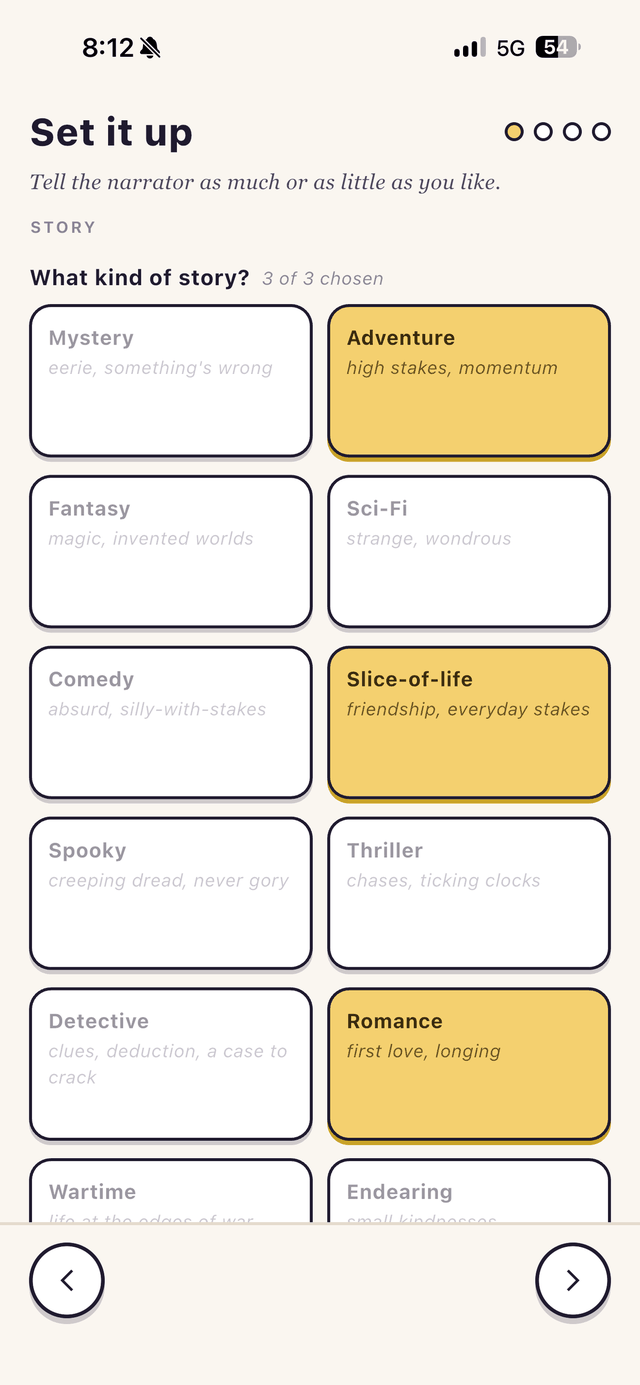
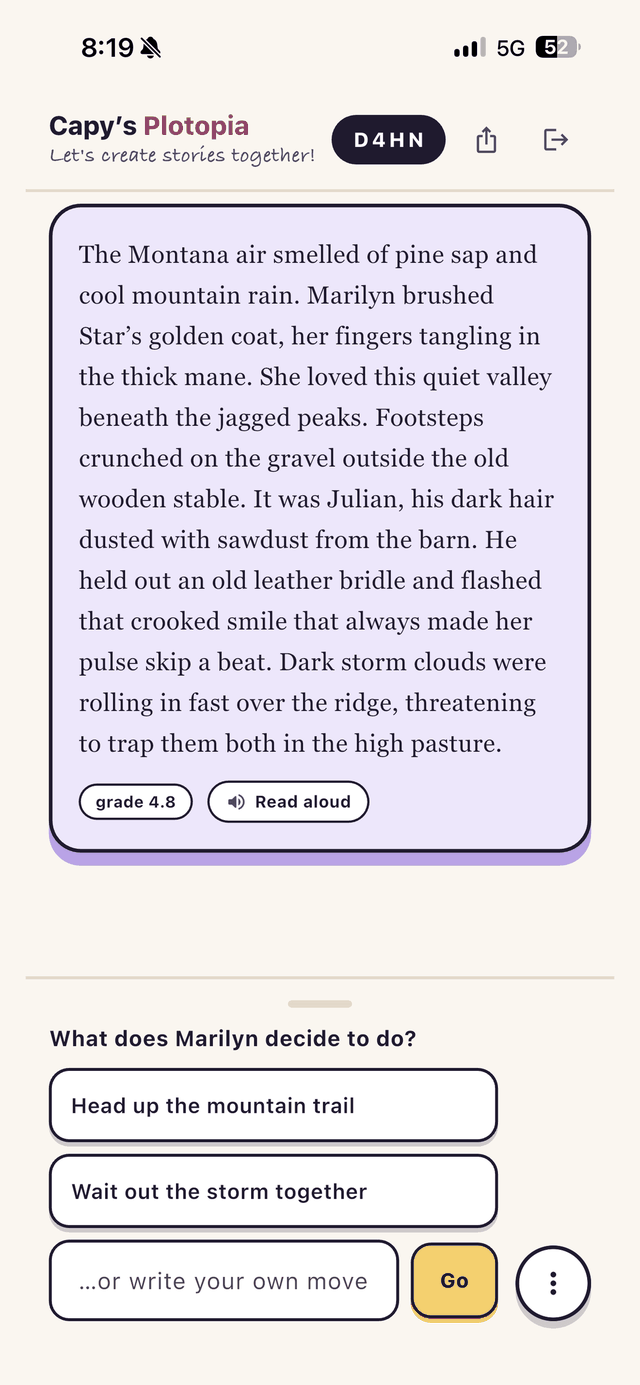
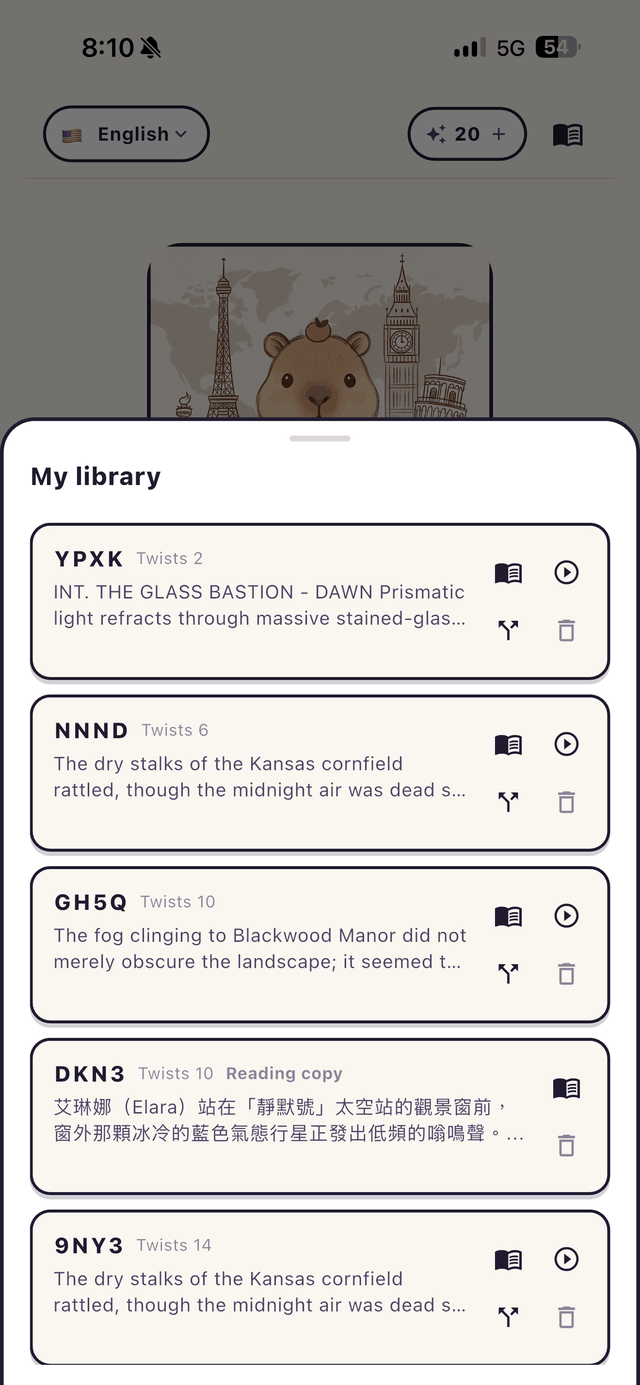
Four screens from a story in progress. 📱

Picking the interface language
Choosing genres for a new story
A passage of the story, with three choices for what happens next
Saved stories in My library

Made for reading together ✨

Built for families, classrooms, and long car journeys. 🚗

🌏

Ten languages

The story and the buttons are separate: read a Japanese story with English menus, or the other way round.

🔊

Read aloud

Any passage, in a natural voice — for a child who can follow along but not yet read alone.

🔎

What does this mean?

Tap any word for an explanation in your language, written for the sense the story is using — not a dictionary’s first guess.

🎚️

Pitched to the reader

From “new to the language” up to college level. The narrator writes to that band and checks itself.

🌿

Branch the story

Can’t agree what happens next? Split it in two. Both halves keep going, from the same passages.

📚

Keep what you make

Save a story to your library and it follows you to every device — to re-read, read aloud, or carry on later.


🌿
Capy

Someone sent you a code?

You can join from this browser — no app, no account. The person who started the story does need the app.

Join a story → More from Capy